Electronic receipts in Apilo – learn the implementation details.
New possibilities.
By activating e-receipts in your store in Apilo:
You fully automate the process of issuing fiscal e-receipts (but if necessary, you can also do it manually).
You can reduce the number of fiscal printers and locate them outside the warehouse (printer management service – check here).
You can integrate the service into existing processes in your business thanks to advanced configuration options, e.g. managing selected series of documents, deciding when exactly the fiscalisation happens or when the document is issued to the customer.
You can add your logo in the header of the e-receipt, which will make the content of the document more attractive.
If needed, our system can also handle printing the receipts, e-receipts with Tax ID (NIP) or foreign currency.
The process – what you should know.
The printout of traditional receipts is stopped thanks to our dedicated software controlling the operations of the fiscal device. It needs to be installed on a computer with Windows/Linux/macOS or a server. Both the computer and fiscal device must have constant access to the network.
Thanks to automatic actions in Apilo, the digital receipts without paper printing are issued in the background by your fiscal printer.
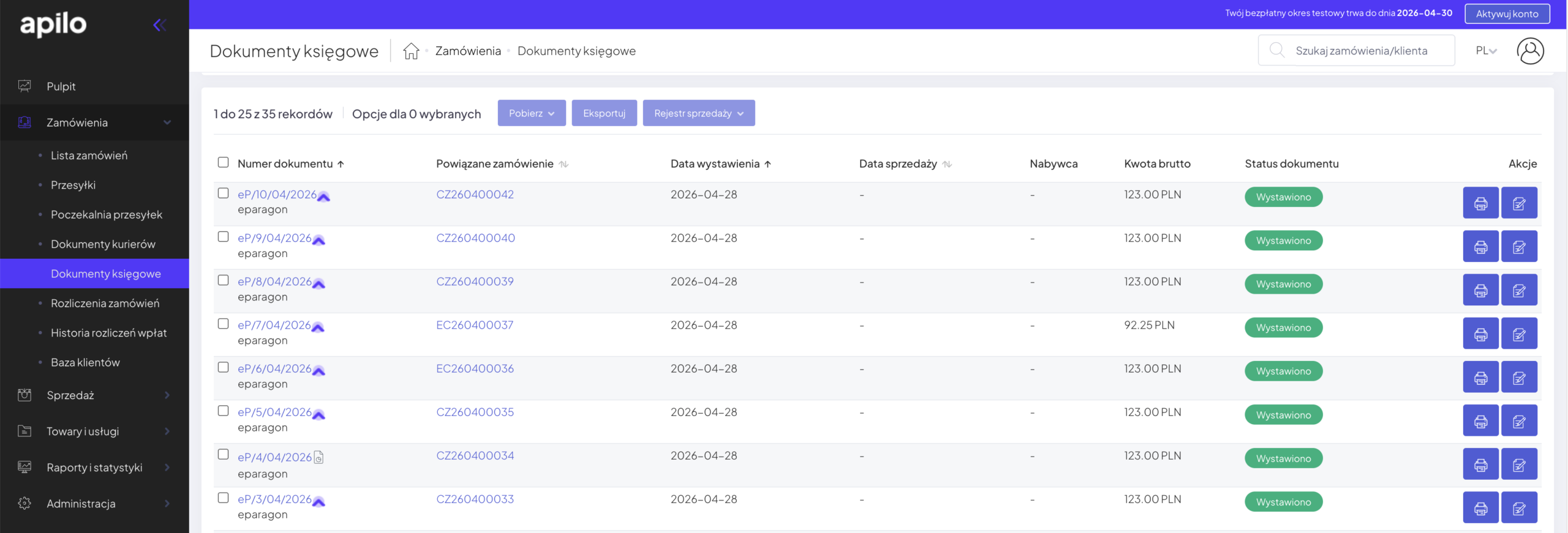
You have full control over the e-receipts issuing process thanks to the visible statuses and links to e-receipts available directly in the Apilo panel.
Receipt issuing status visible on the transaction list in Apilo panel
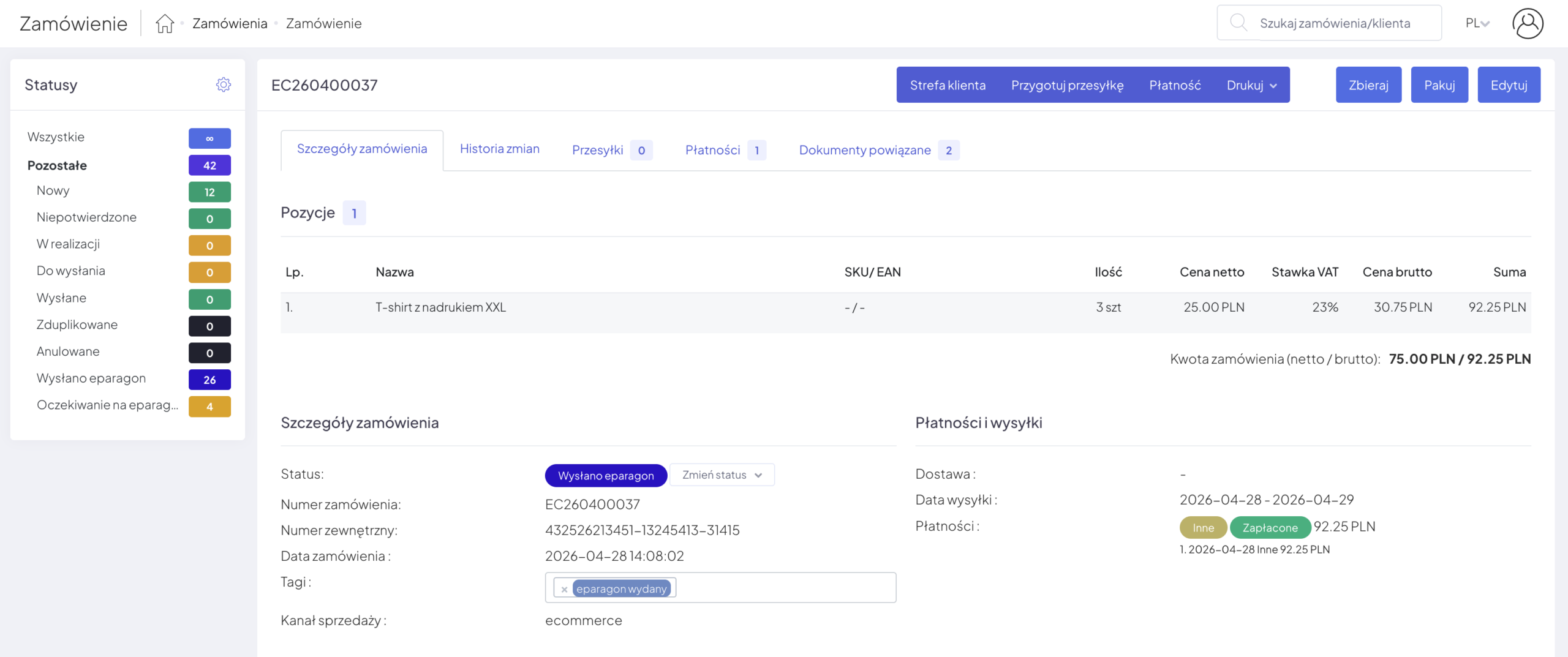
Each issued e-receipt is available via a unique link and in the “Documents” section as a PDF file.
View of a single transaction in Apilo panel
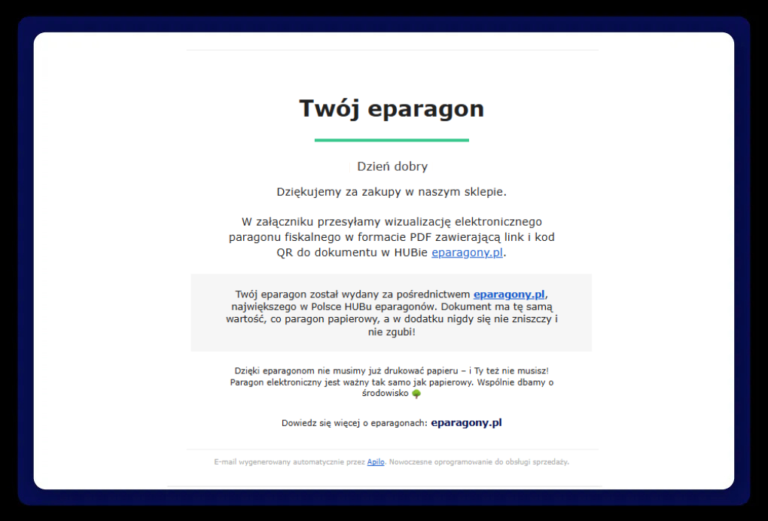
The customer receives the e-receipt in the form of a link in the e-mail sent automatically by Apilo. The content of the email is fully customizable.
Transactional email sent to the customer containing a PDF of the e-receipt
Want to check what an examplary e-receipt looks like?
The above information is a summary of the most important service configuration elements in Apilo. If you are interested in detailed technical documentation, please write to us.
Our e-receipts service doesn’t yet have a direct integration with Apilo system. However, you can effectively benefit from eparagony.pl via wFirma – a well-known online accounting platform.
To implement eparagony.pl in the Apilo system (via wFirma) you just need to:
Create an account in wFirma and choose the lowest package: Invoicing and CRM (first 30 days are for free, then only 19 PLN per month). Registration link here.
Implement our e-receipt system according to the instructions received in the onboarding email… and you’re done!
Jak uruchomić eparagony.
Wystarczą 3 kroki, aby uruchomić eparagony w BaseLinkerze:
1. Zarejestruj się w usłudze na stronie eparagony.pl/rejestracja, wybierając BaseLinker jako metodę integracji.
2. Skonfiguruj usługę w systemie BaseLinker według dostarczonych przez nas instrukcji. Konfiguracja jest łatwa – osobie nietechnicznej zajmuje ok. 90 minut.
3. Skonfiguruj drukarkę fiskalną online pod obsługę eparagonów (zrobi to serwisant Twojego sprzętu fiskalnego zgodnie z naszą instrukcją).